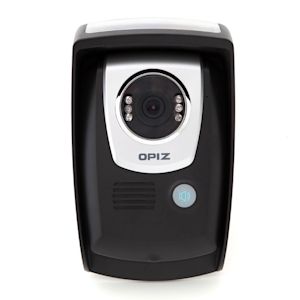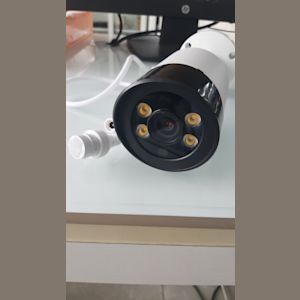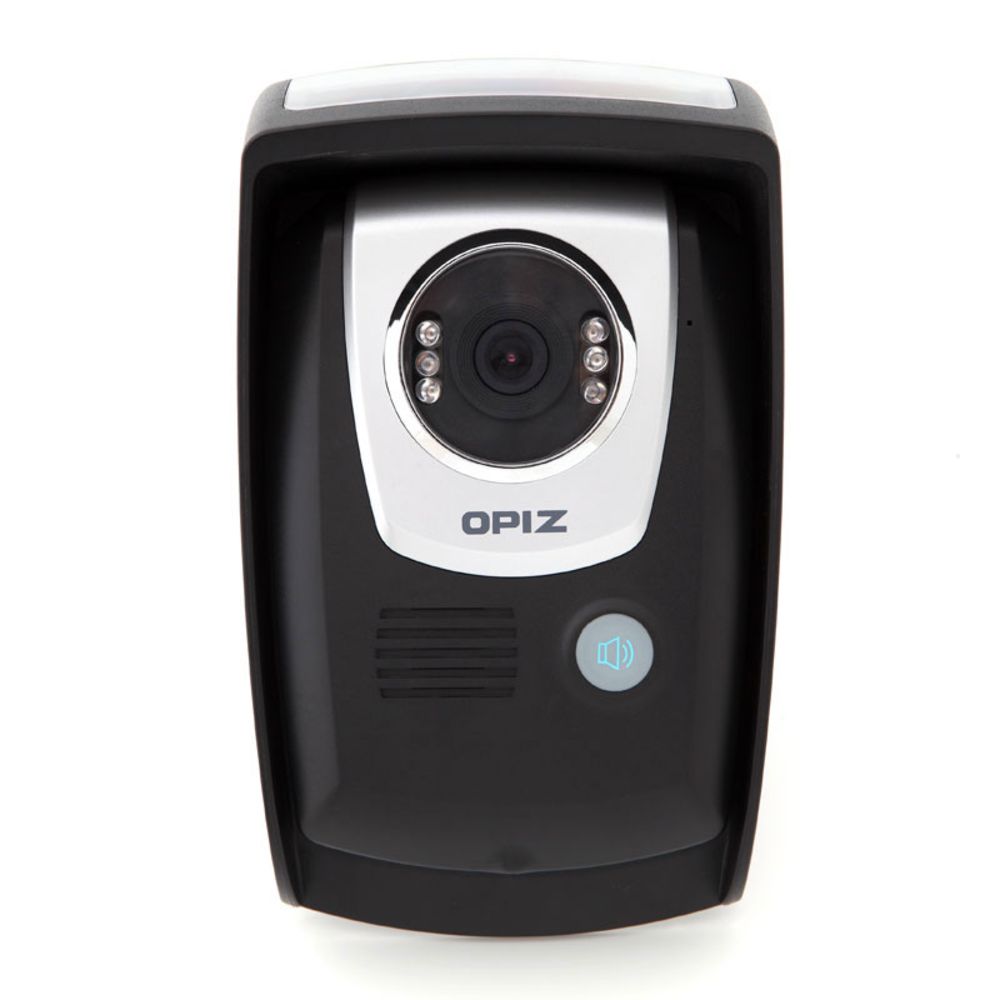
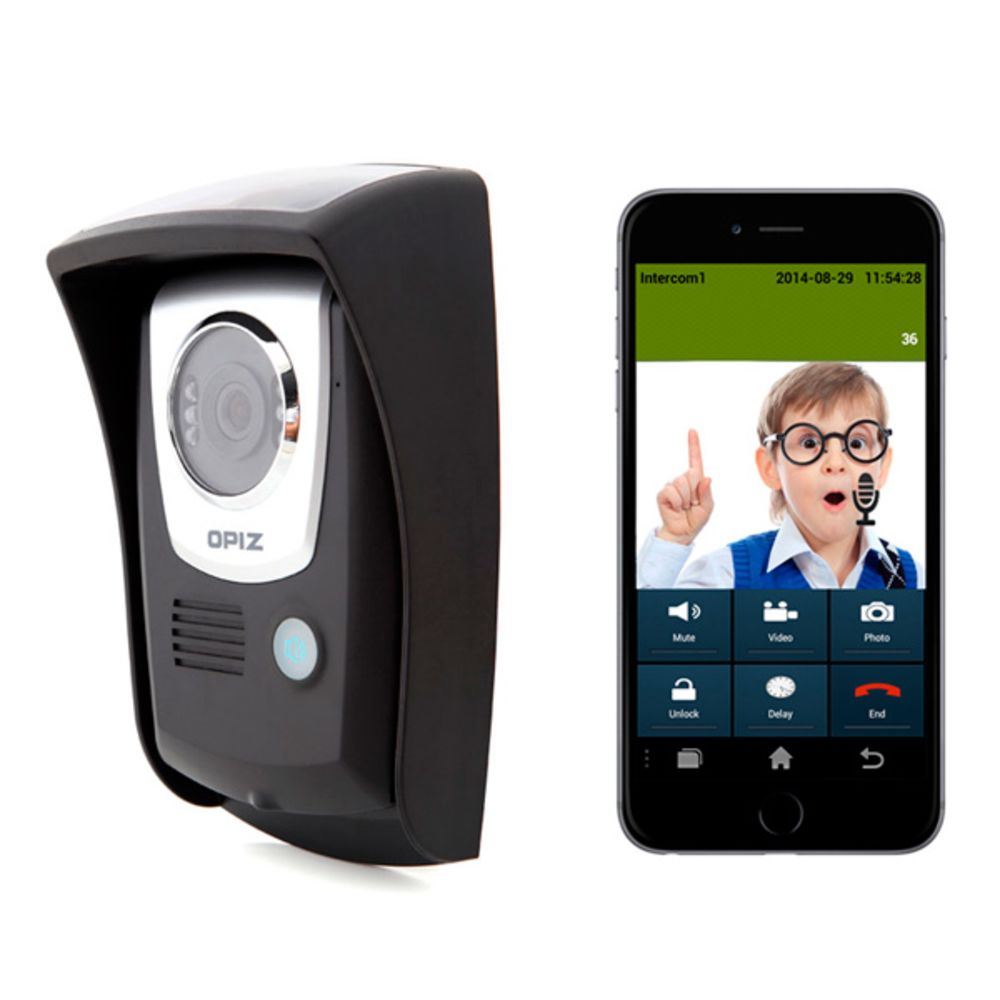
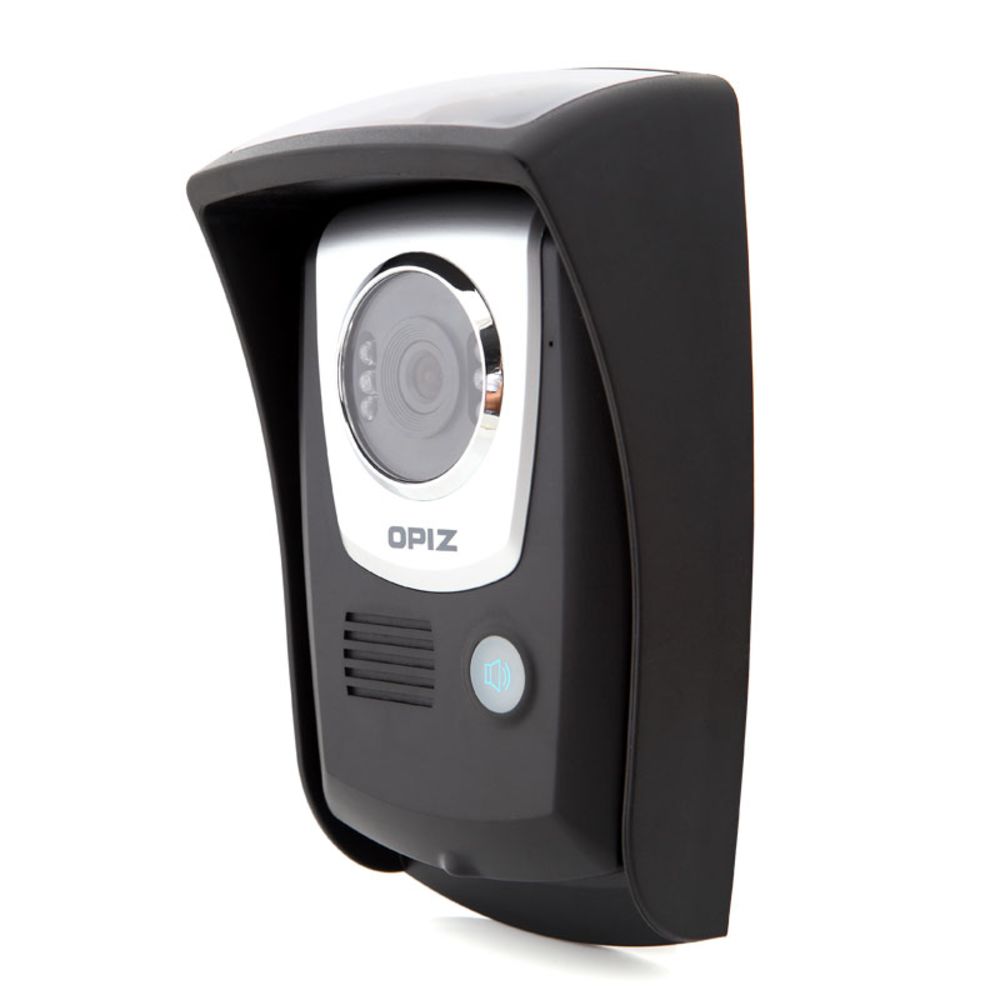
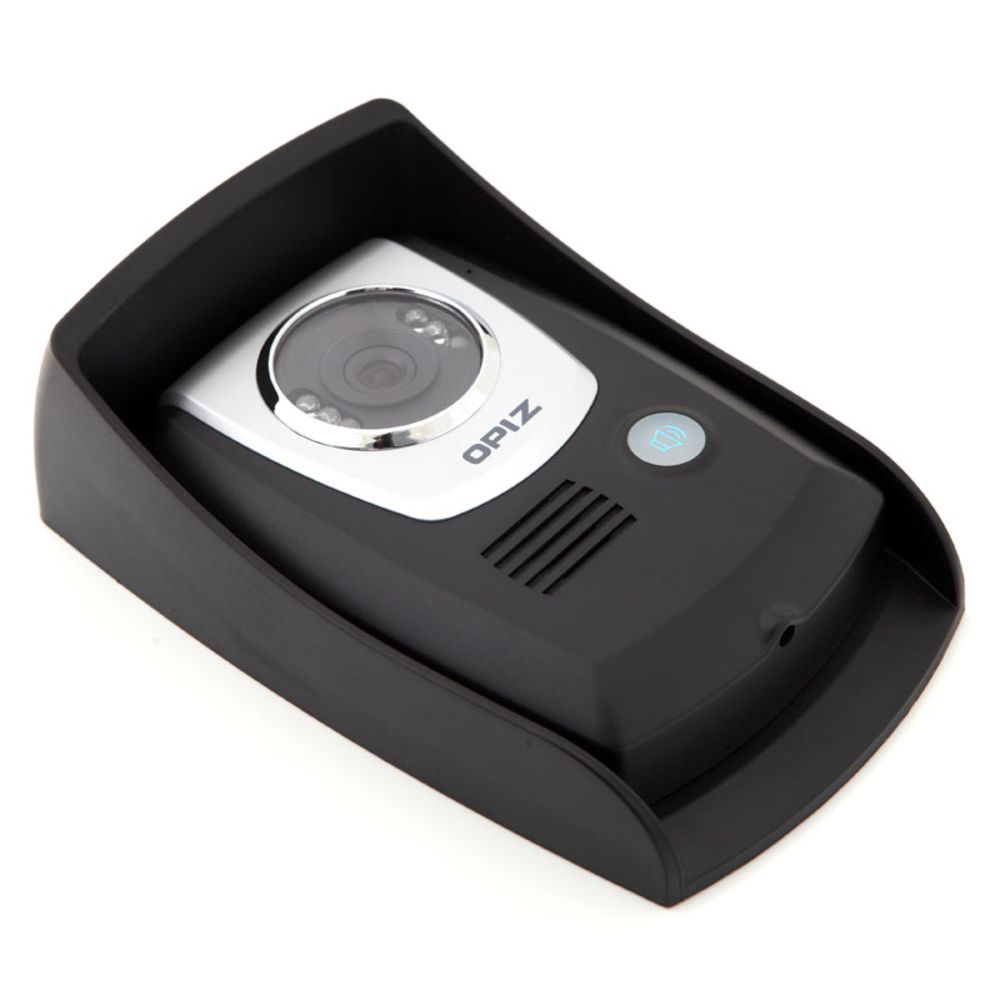
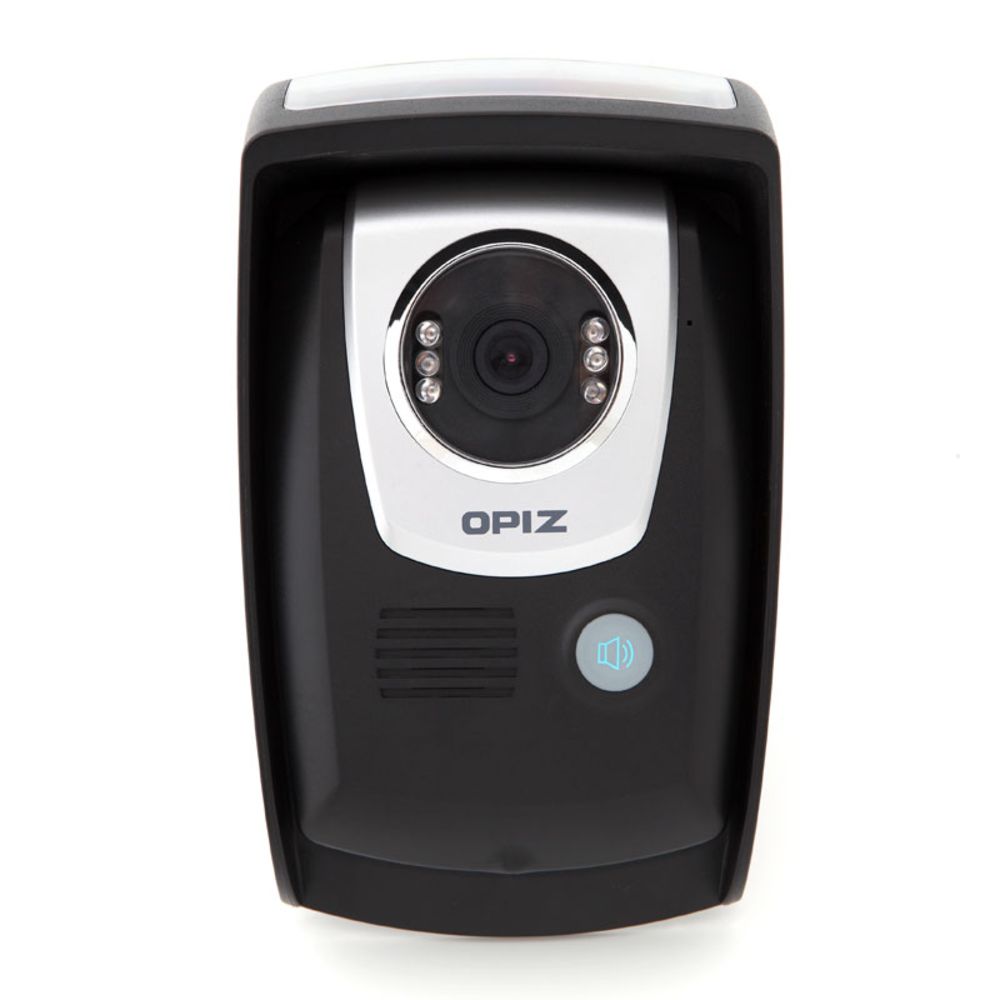
Wireless Doorbell Audio-Door Security Smart Motion-Detection/two-Way Wifi Night-Vision. OP-D6D10
TSESDESCRIPTION
Call,intercom,monitor,unlock function
3G and 4G supported
Compatible with iOS and Android OS
Remote control via smartphone apps
Can support up to 8 users and 10 doorbells
Motion detection,voice prompt,and photo and video recording
PRODUCT VIEWS
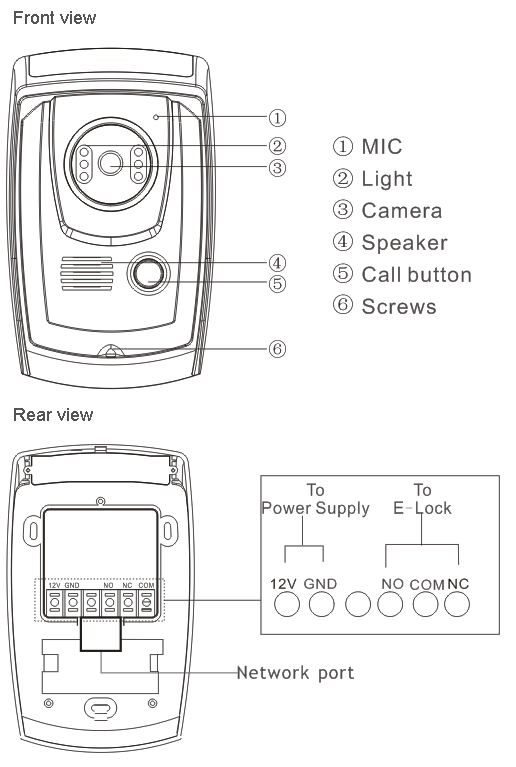
Connect Network(two ways:wired connecting or wireless connecting)
Operation of wired connecting(The network cable should be already connected with internet in the household )
1.Download the APP "Kdoor Pro" from the Android market and install the Kdoor.
2.Connect network cable with door bell.
3.Open the Kdoor app in mobile,please make sure the mobile is connected with internet normally.
4.Click "please click here to add intercom",then click "Scan QR Code" and scan the QR code on the back side of door bell,finally,click "done".